1. Login to EHSA: https://ehsa.fab.uab.edu/ehsa
2. Click EHS Assessment (right bottom corner) on the EHSA home page.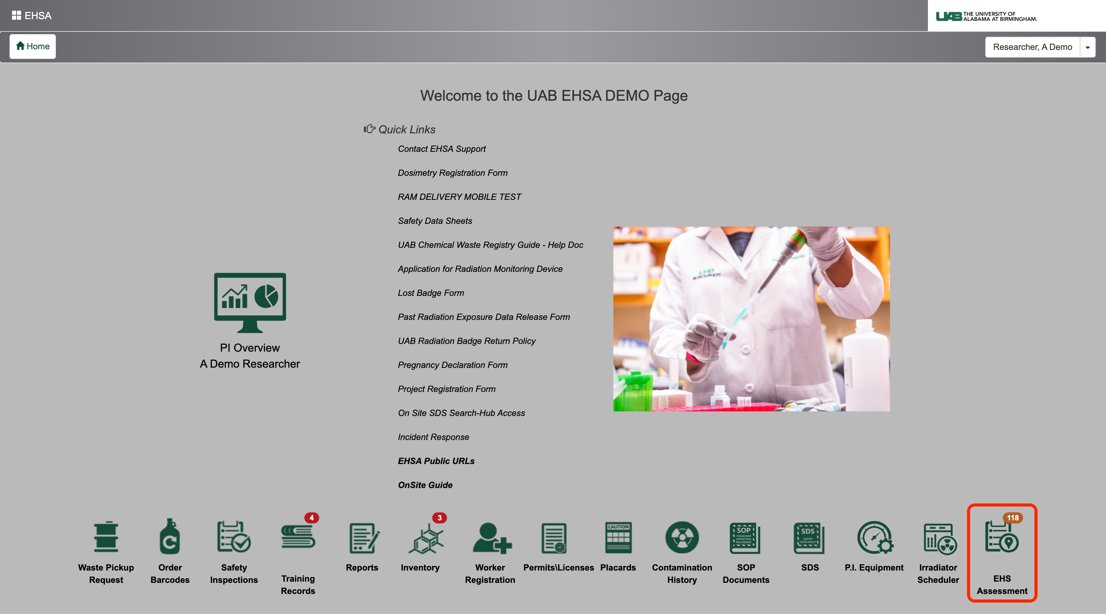
3. Click Browse New Forms (top left corner)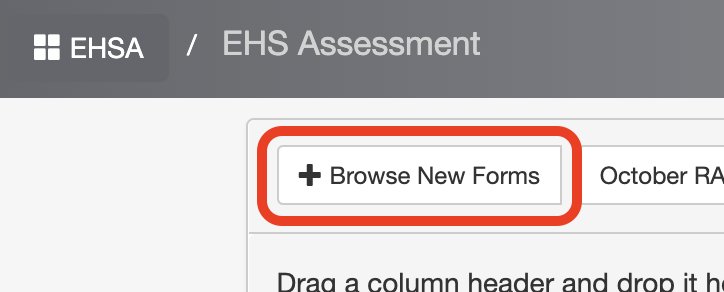
4. Click Start next to Personnel Screening Data Sheet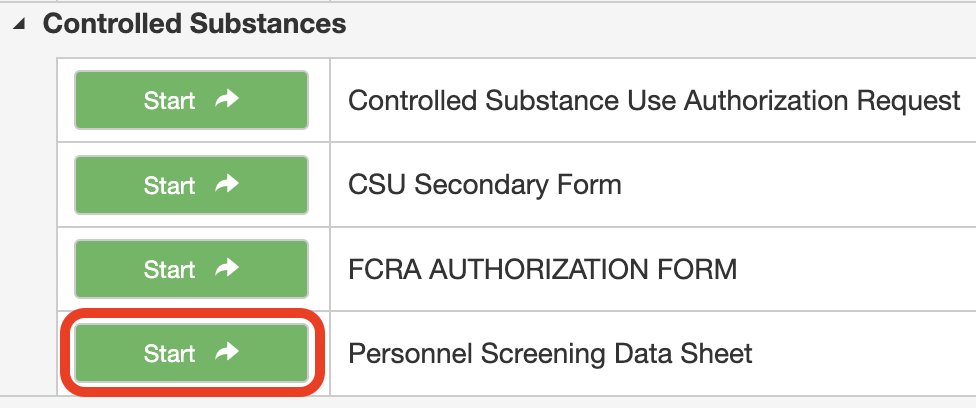
5. An assessment tab opens. Click on the Assessment Questions tab at the top. Complete all required information.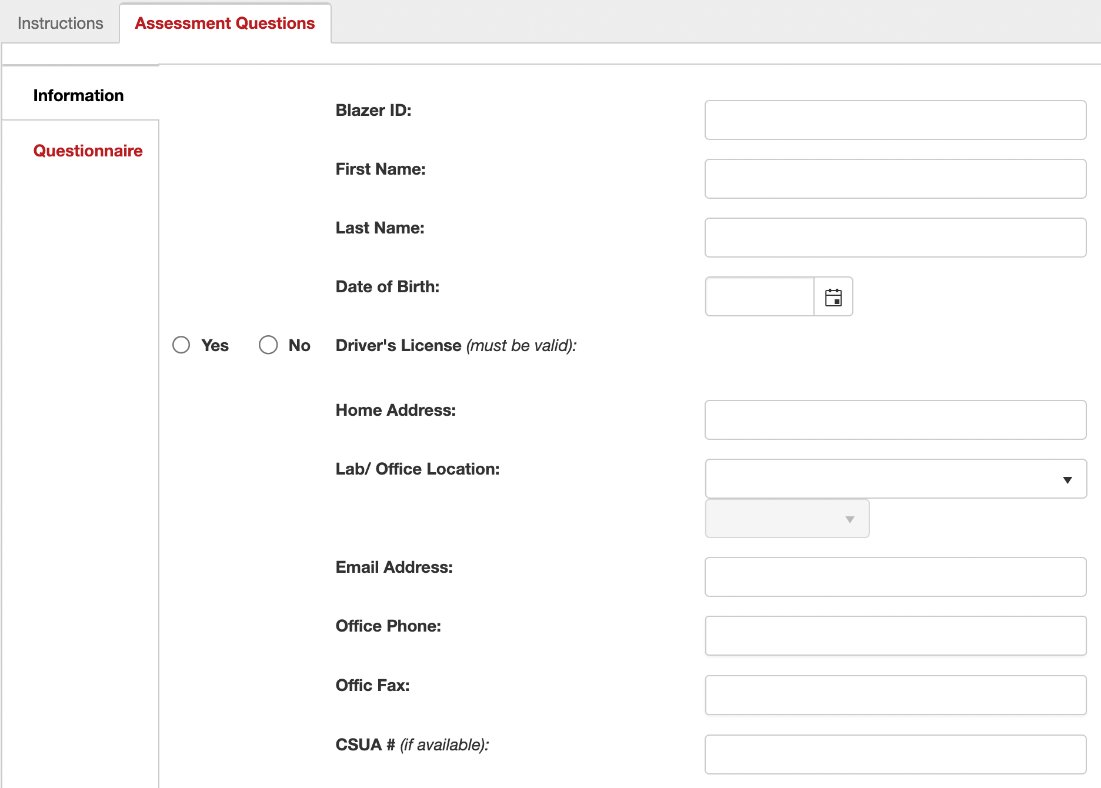
6. Click Next at the bottom to navigate to the Questionnaire tab.
Answer all questions.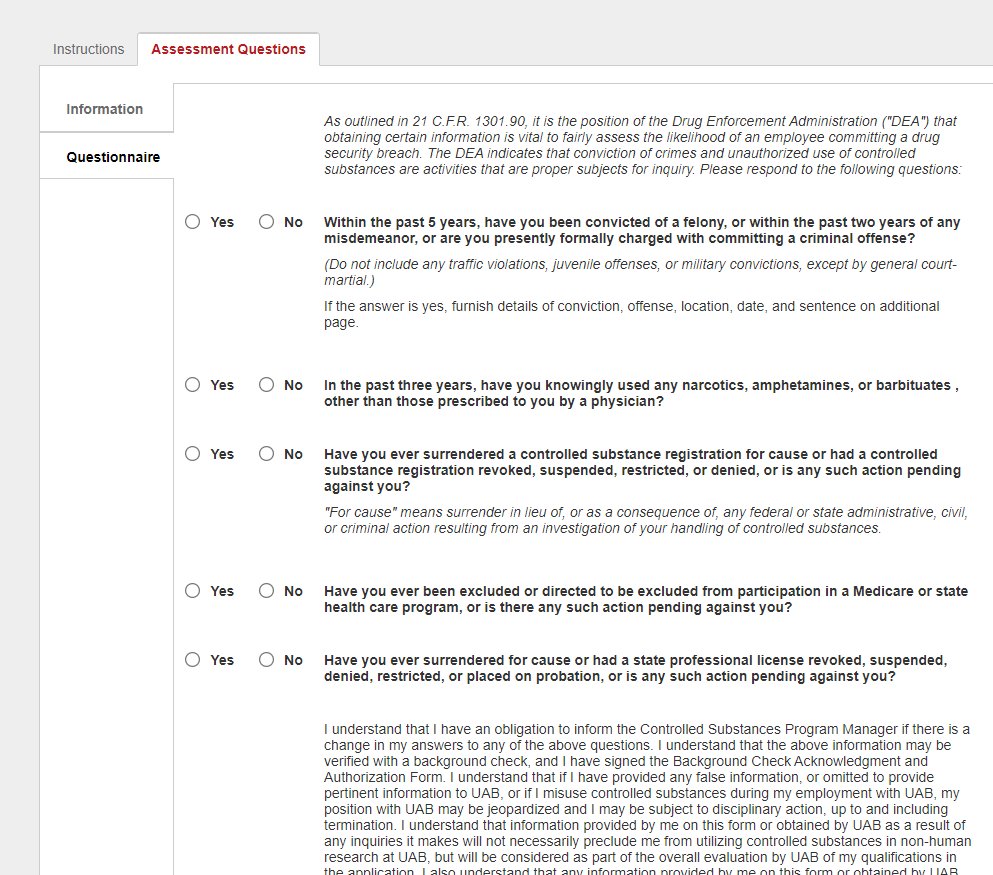
7. After answering all questions, click Sign to add your information to the signature line. 
8. Click Save as Complete to submit the form >
click Yes when asked if you would like to proceed.
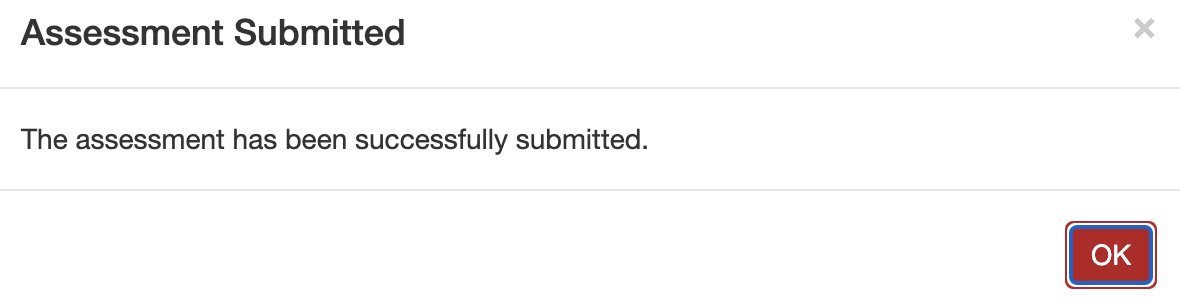
9. Click OK in the resulting notification window.